


Install Windows from a USB drive
As smaller and smaller computers and portable memories with greater capacity appear on the market, many operating systems can be launched or installed directly from a USB pendrive. Until now, this wasn't possible with Windows, but thanks to A bootable USB we'll be able to install different versions of Microsoft's operating system from a pendrive of capacity.
How to make a bootable USB for Windows
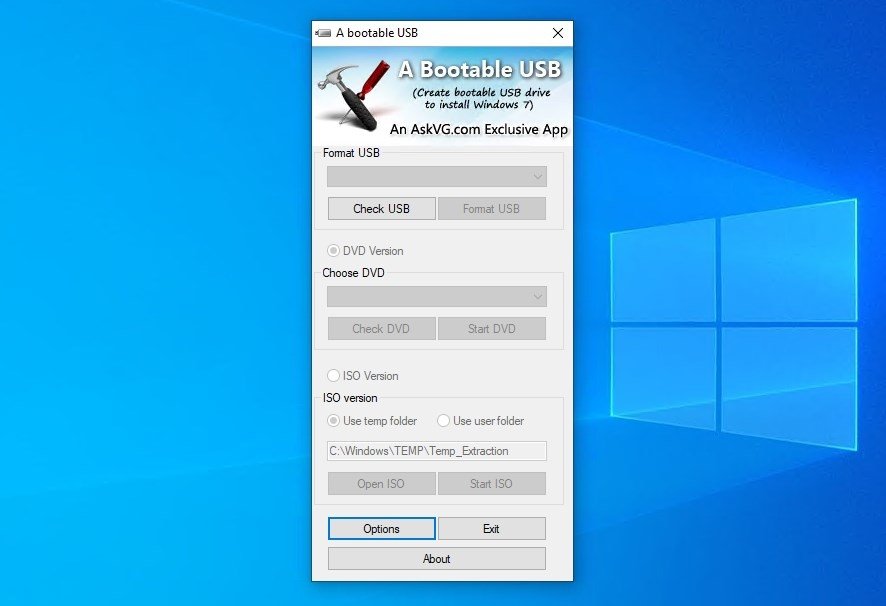
The application works by means of 3 simple steps:
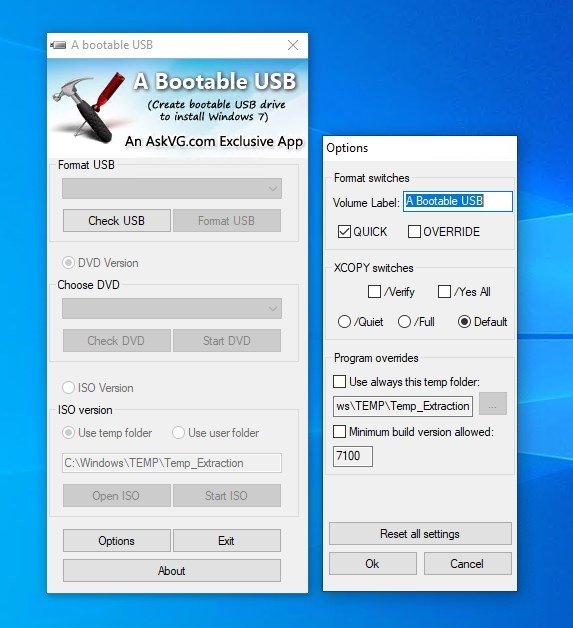
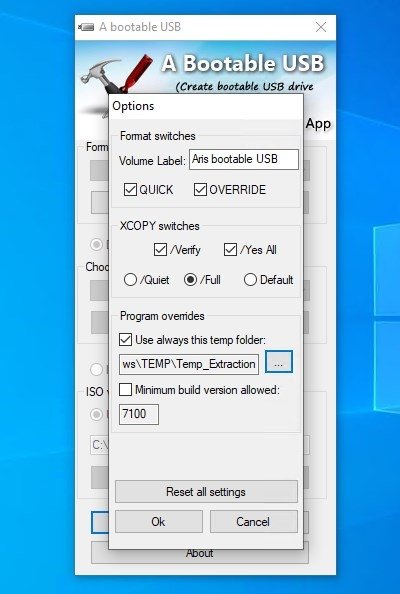
- First it detects the USB unit and formats it according to the options that we have chosen.
- After that, whether using an installation DVD or an ISO format disk image, the application prepares the external memory device to be able to install the operating system from it.
- Once we have carried out all the other steps we will be able to install the operating system from our pendrive without any problem, exactly as we would have done with a DVD.
The application can be installed or, on the contrary, it can also work as if it were a portable application, allowing us to choose just before we launch it for the very first time. So, if you have an operating system and would rather not use the CD/DVD player to install it, download A bootable USB for free and install it as soon as possible.
This kind of application is very useful on Linux systems and distros like Ubuntu or Arch Linux.
This program is ideal for older operating systems such as Windows XP, Windows Vista or Windows 7; it's perfect if you want to restore and old PC. It'll be much harder to use it to create a bootable pendrive for Windows 10.
Requirements and additional information:
- Requires a USB pendrive with more than 4GB and a Windows Vista, Windows Server 2008 or Windows 7 installation disk or image.
- Not compatible with Windows XP.
- This download requires a ZIP compatible compressor.
 Elies Guzmán
With a degree in History, and later, in Documentation, I have over a decade of experience testing and writing about apps: reviews, guides, articles, news, tricks, and more. They have been countless, especially on Android, an operating system...

Antony Peel